
 EN
EN  RU
RU 

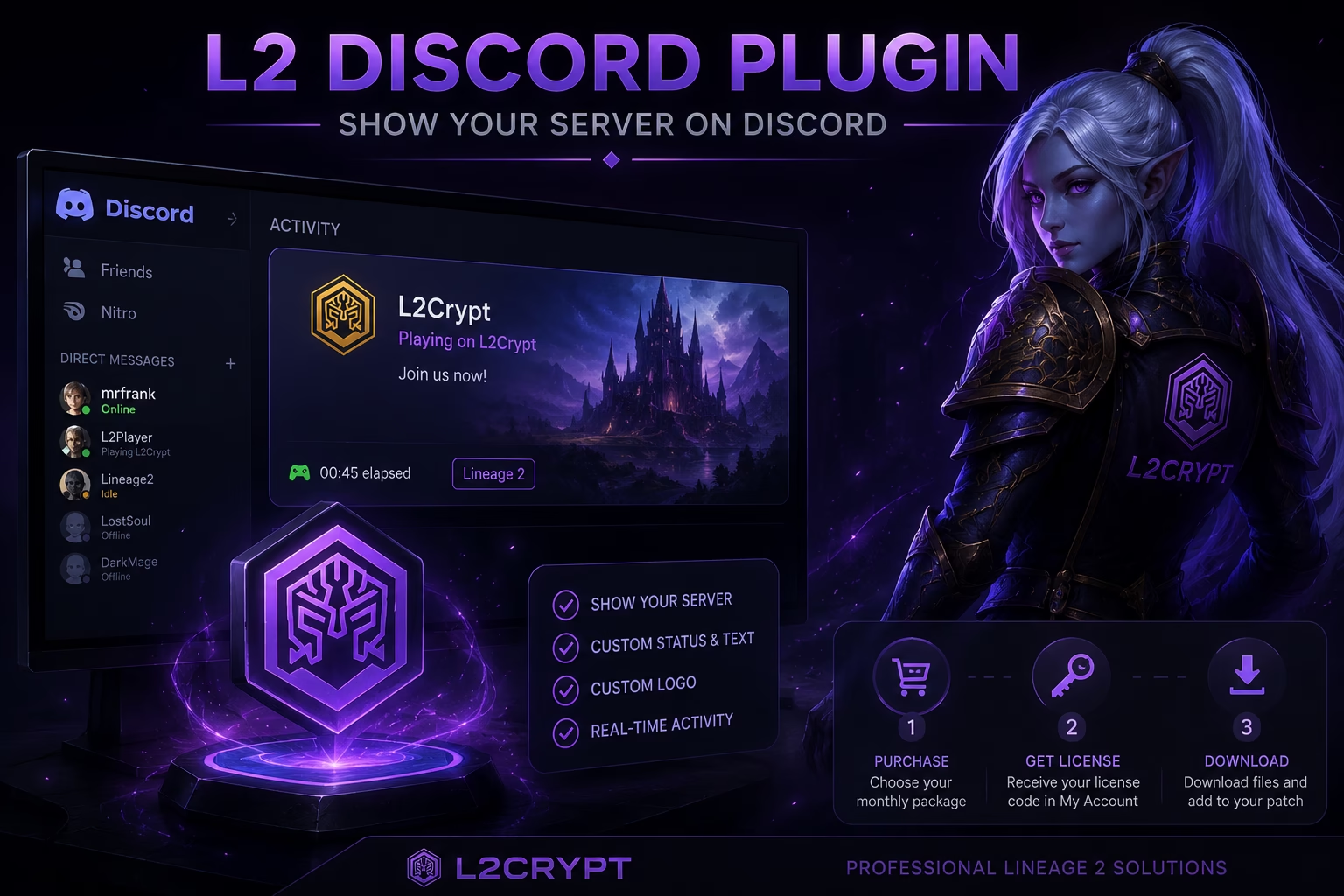
L2 Discord Plugin - Show Your Lineage 2 Server on Discord
L2 Discord Plugin is a client-side plugin for Lineage 2 that displays the game server a player is currently playing on directly in their Discord activity.
After installing the plugin into your patch, Discord can show your server name, custom text, logo, and activity status while the player is online.
It is ideal for private server owners who want better visibility, branding, and promotion through their players’ Discord profiles.
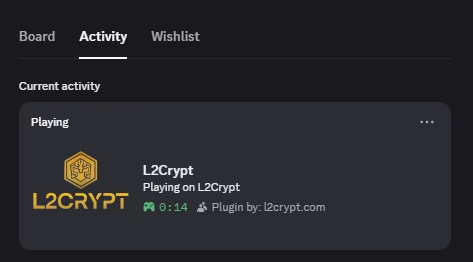
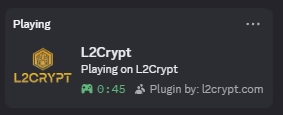
See How It Looks on Discord
Display your Lineage 2 server directly on Discord with custom activity, branding, and live server status integration.
L2 Discord Plugin
Display your Lineage 2 server in Discord activity with your server name and branding.
- Shows server activity on Discord
- Custom server name and text
- Works through your client patch
- Includes Plugin by: l2crypt.com
L2 Discord Plugin - No Copyright
Clean premium version without L2Crypt copyright, ideal for full server branding.
- Shows server activity on Discord
- Custom server name and branding
- Works through your client patch
- No Plugin by: l2crypt.com text
L2 Discord Plugin is a Lineage 2 client plugin that displays the server a player is currently playing on directly in Discord activity.
The plugin can display:
- Server name
- Custom Discord activity text
- Custom server logo
- Current playing status
Yes, both versions are sold as monthly licenses.
- €7/month – Standard version with "Plugin by: l2crypt.com"
- €12/month – Premium version without copyright
The standard version includes the copyright text "Plugin by: l2crypt.com" inside Discord activity.
The premium version removes the copyright completely, giving your server a clean and fully branded appearance.
- Purchase your preferred monthly package
- Receive your license code in your account
- Download the plugin files
- Add the plugin to your Lineage 2 patch
- Configure your Discord activity and branding
Your license code will be available in your My Account area after purchase.
The plugin files can be downloaded from your account downloads.
You can report bugs, request new features, or get support through our contact page.
We actively improve the plugin based on user feedback and usually respond within 24 hours.