 EN
EN  RU
RU 

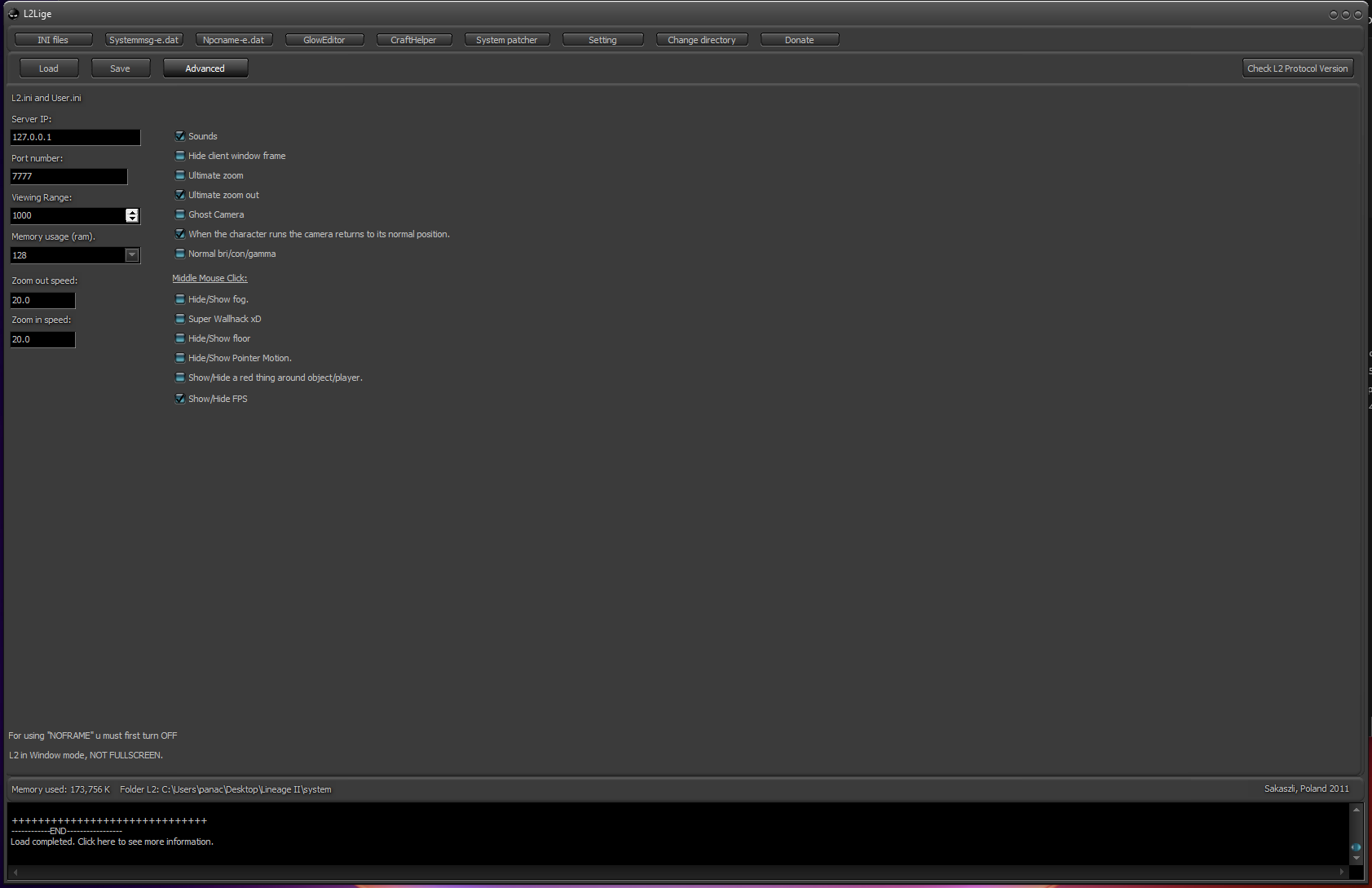
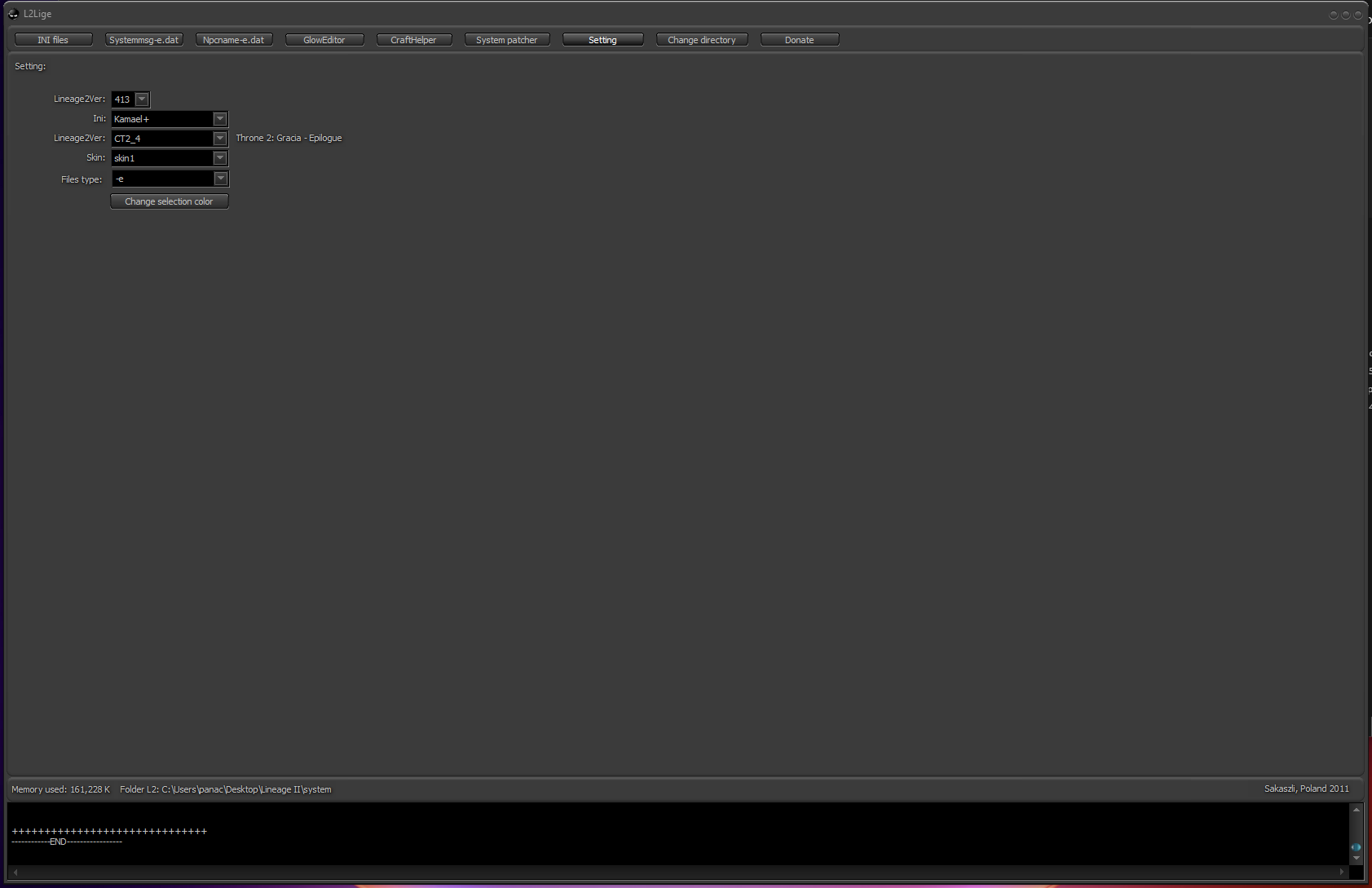
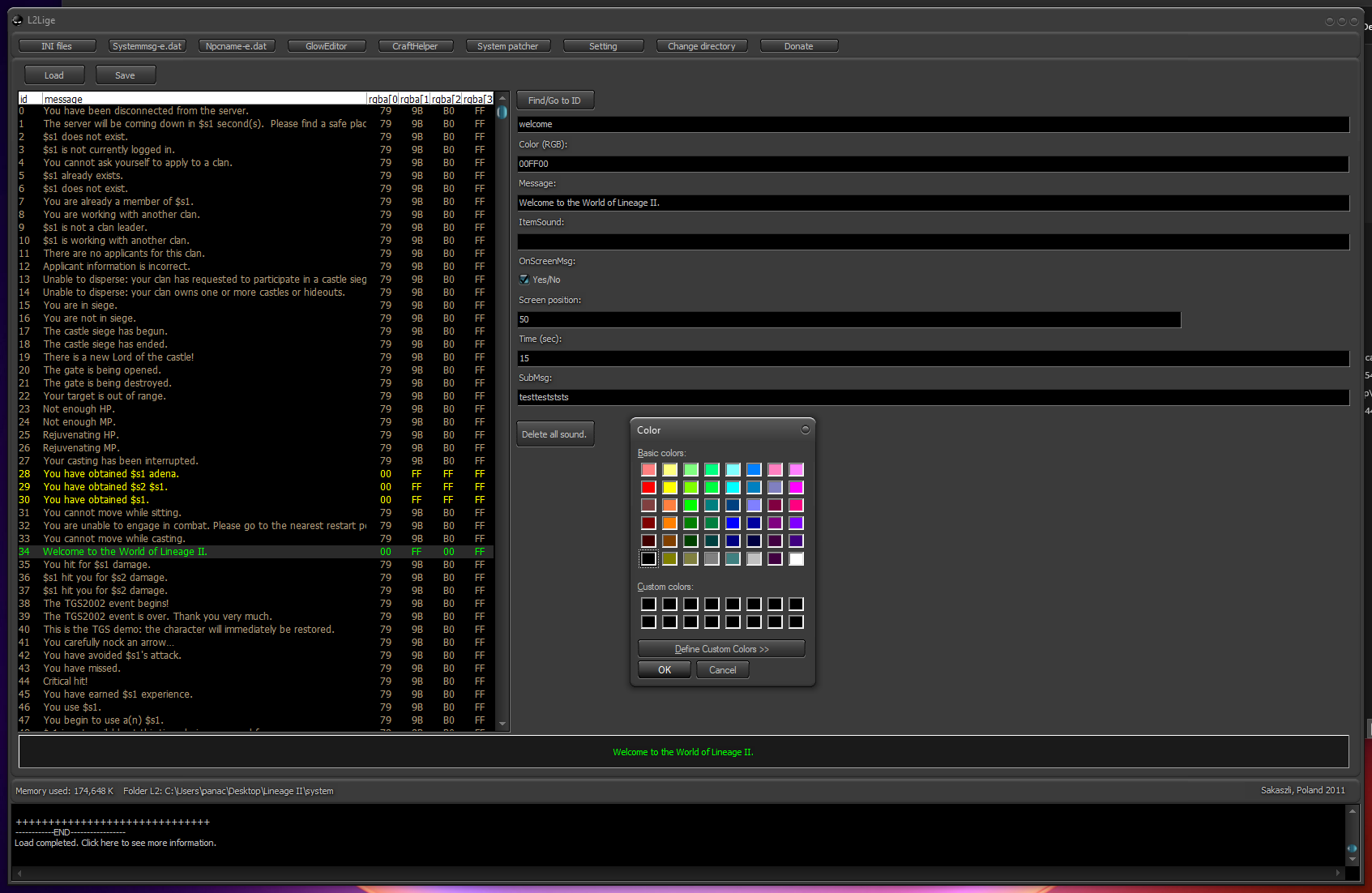
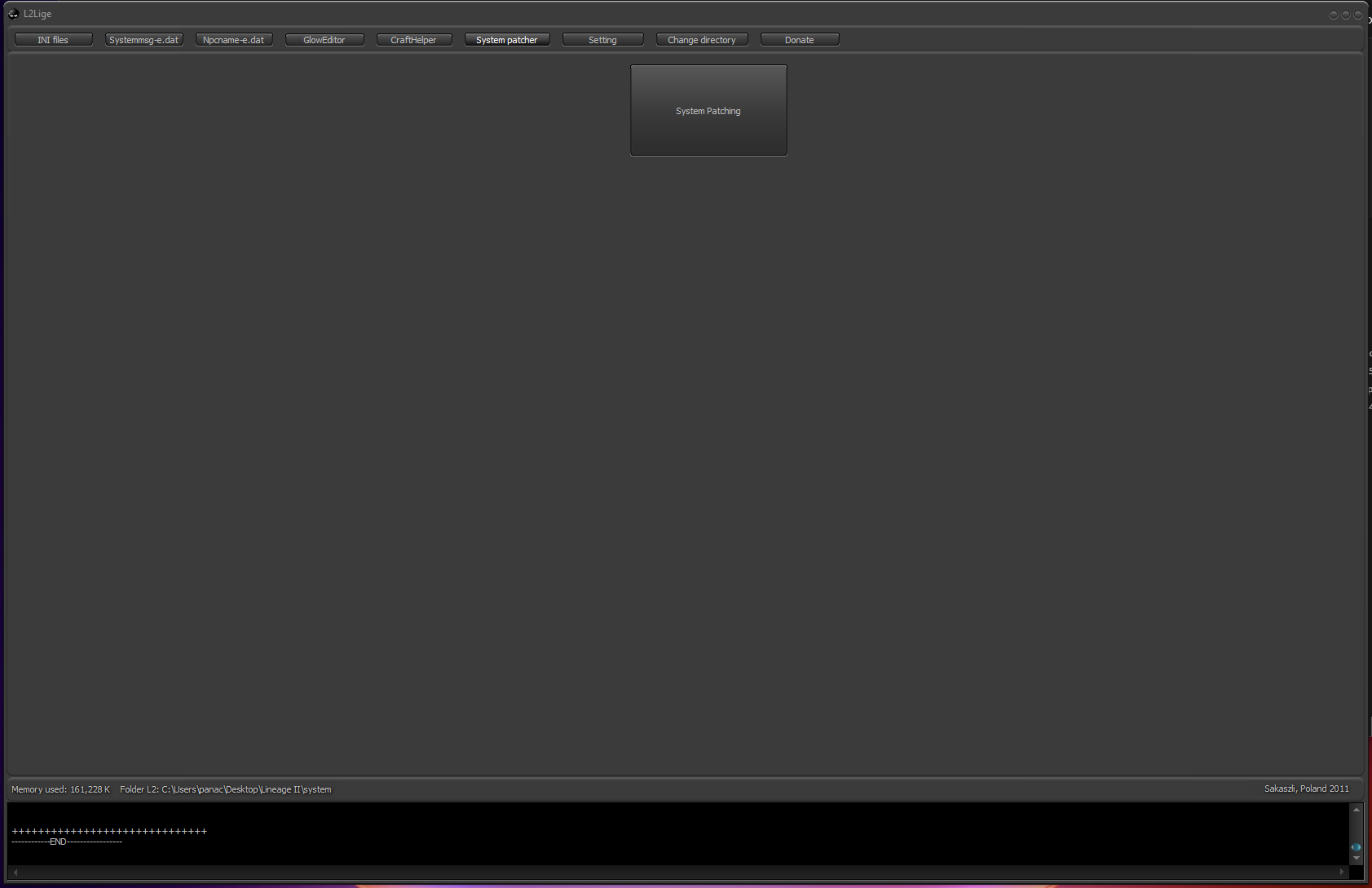
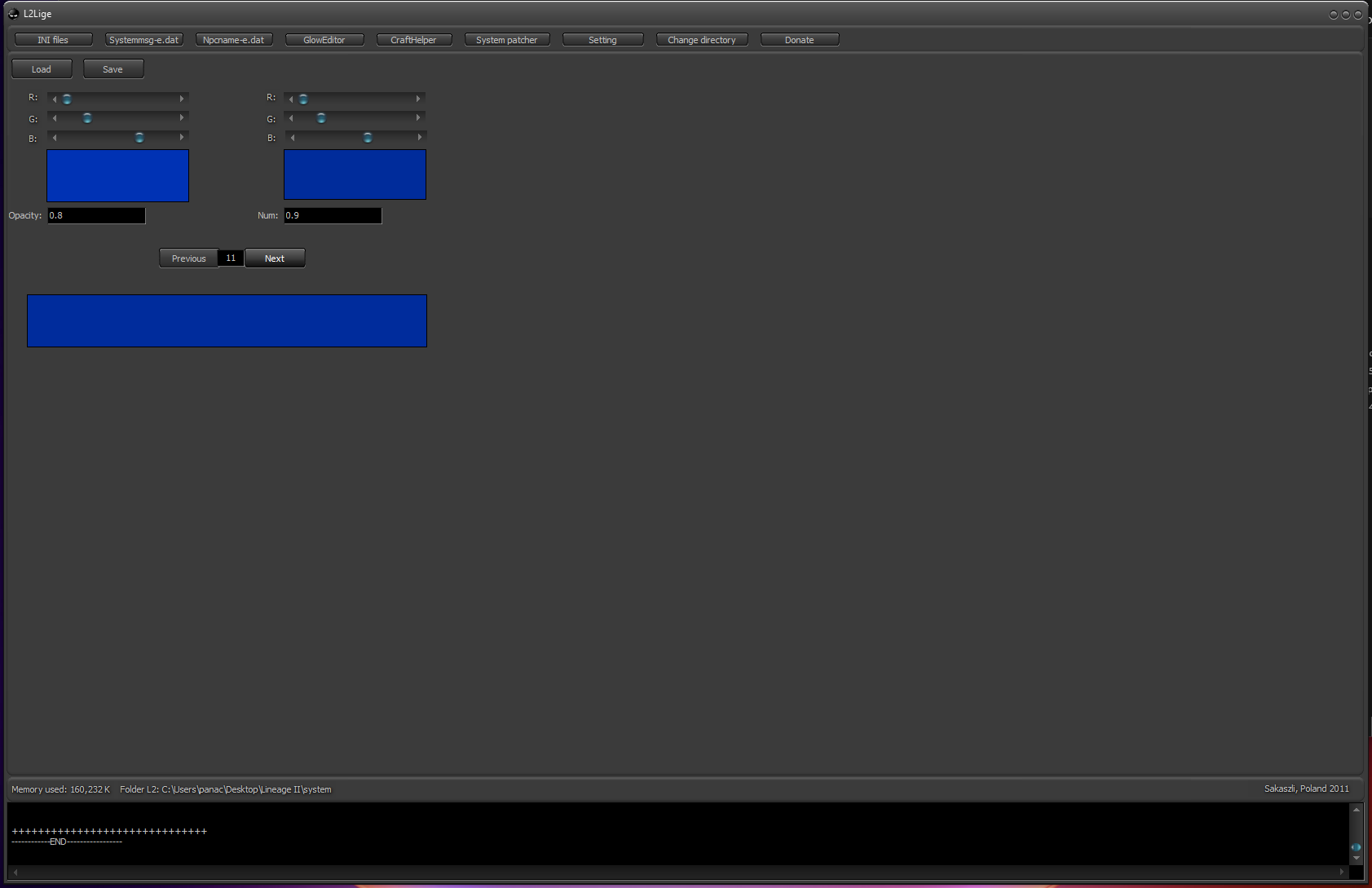
L2Lige Patch Editor – Lineage 2 System File Customization Tool (C3 to High Five)
Looking for a way to customize your Lineage 2 client? L2Lige Patch Editor is a powerful tool that allows you to edit and personalize system files such as chat messages, notifications, and visual effects.
It enables full control over client-side behavior, making it ideal for both developers and advanced players.
Features
- Edit .ini, systemmsg, and npcname files
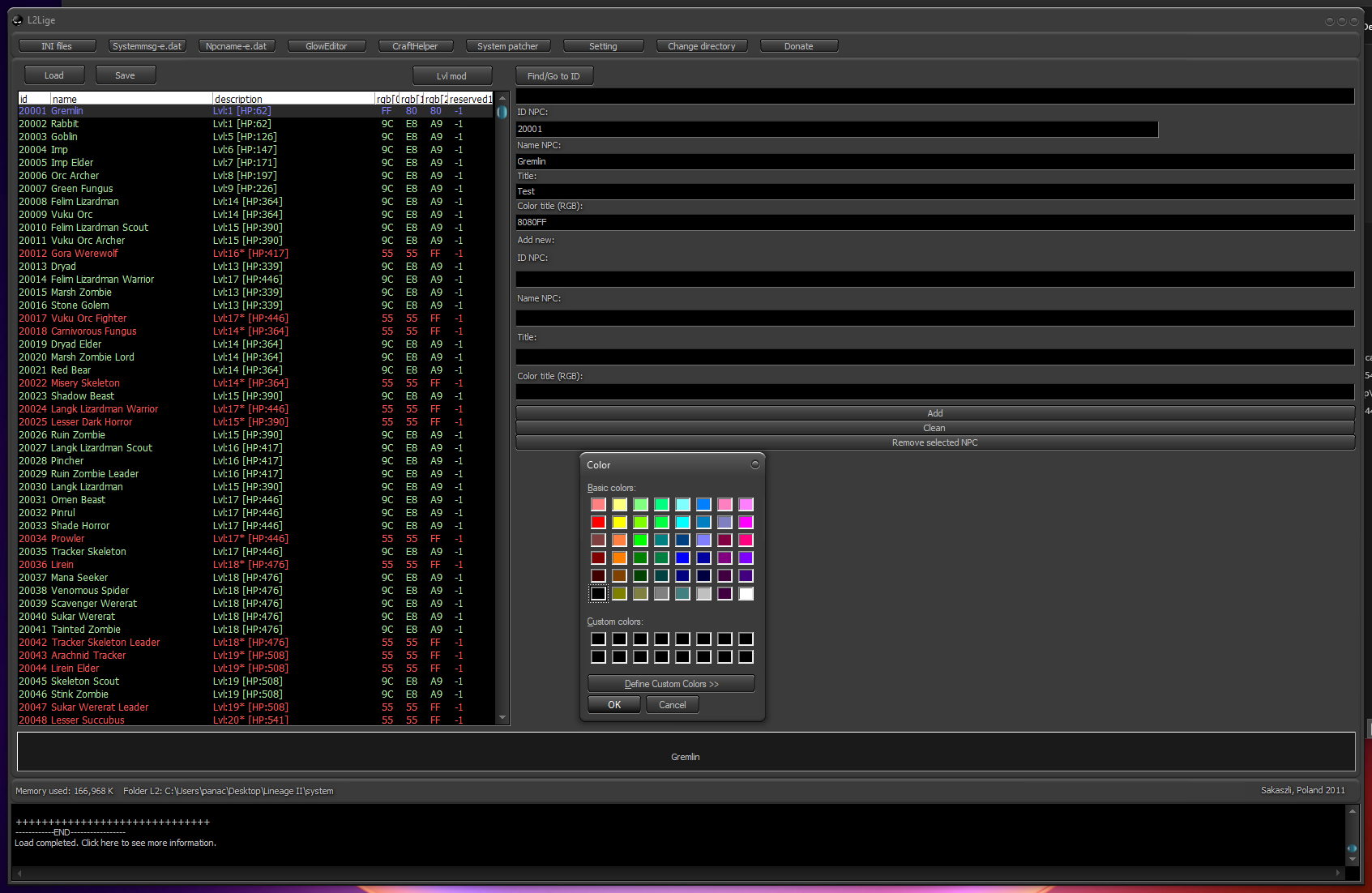
- Customize chat colors and highlight important messages
- Add or remove sound notifications
- Modify weapon glow effects
- Patch clean Lineage 2 system folders
- Supports Lineage 2 clients from C3 to High Five
How to Use
- Extract downloaded zip
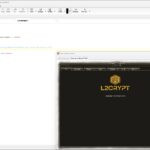
- Run L2Lige.exe
- Select your preferred language
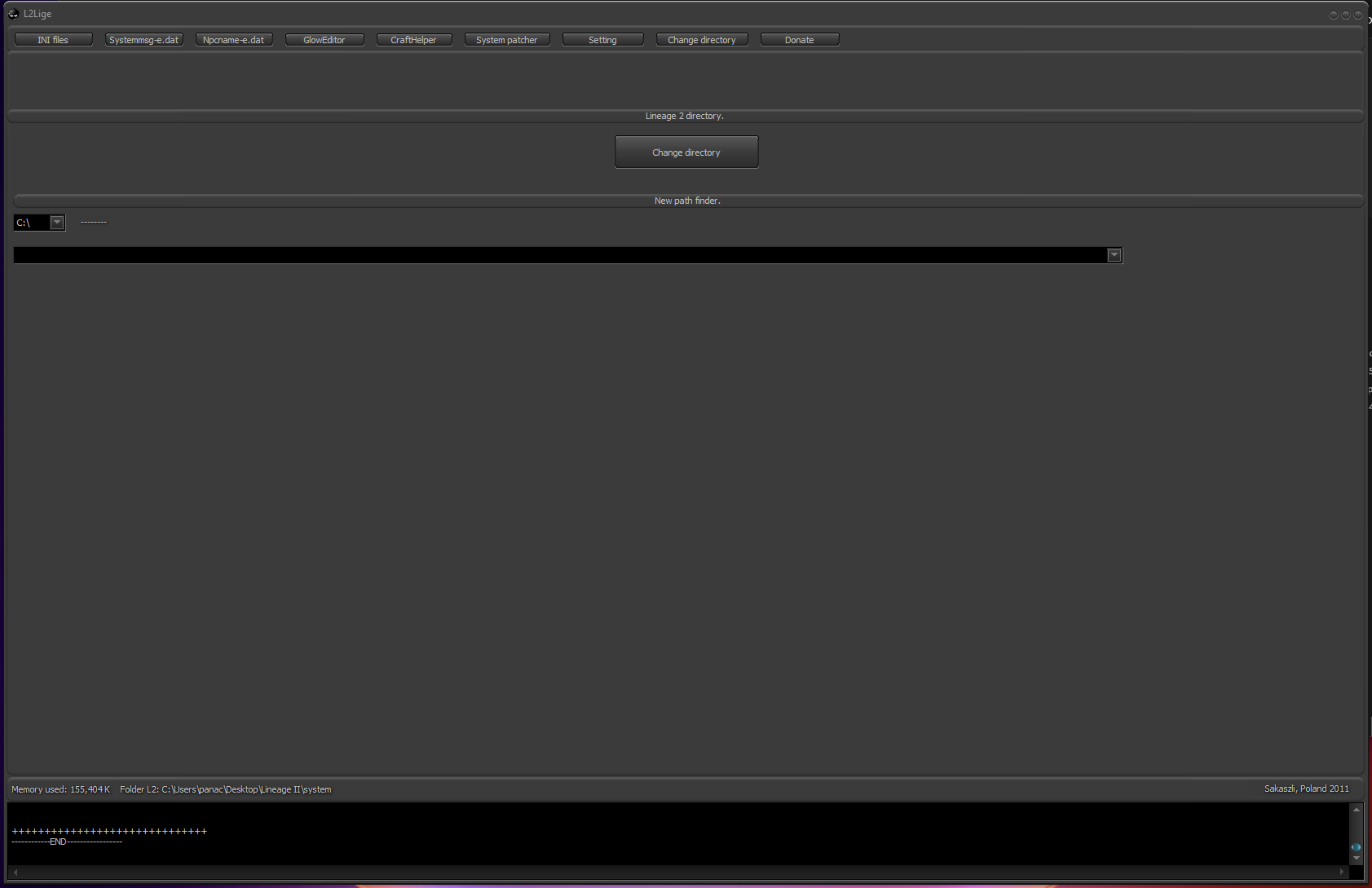
- Click Change directory and select your Lineage 2 system folder
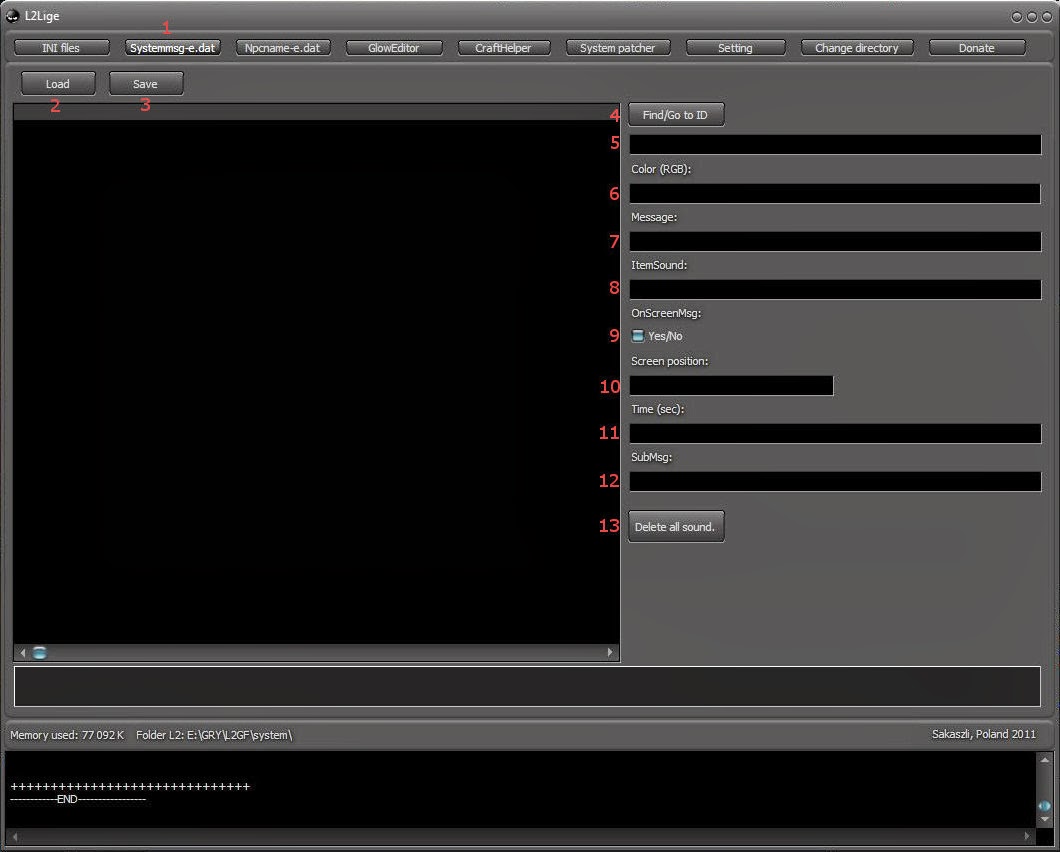
- Select the tab you want to work with
- Load the desired file
- Edit and save it back to your system folder
- Use search to find specific entries (by phrase or ID)
- Customize colors using the built-in color picker
- Assign or remove sound notifications
- Enable or disable message display
- Adjust message position and duration
- Customize chat and on-screen text separately
Automation
This tool is designed for manual editing and customization of client system files.
Compatibility
Supports Lineage 2 chronicles from C3 up to High Five.
Why to Use?
It allows full customization of the Lineage 2 client experience. From chat colors to system messages and visual effects, it provides complete control over how the game behaves and looks.
It is especially useful for creating unique client builds or improving gameplay clarity.
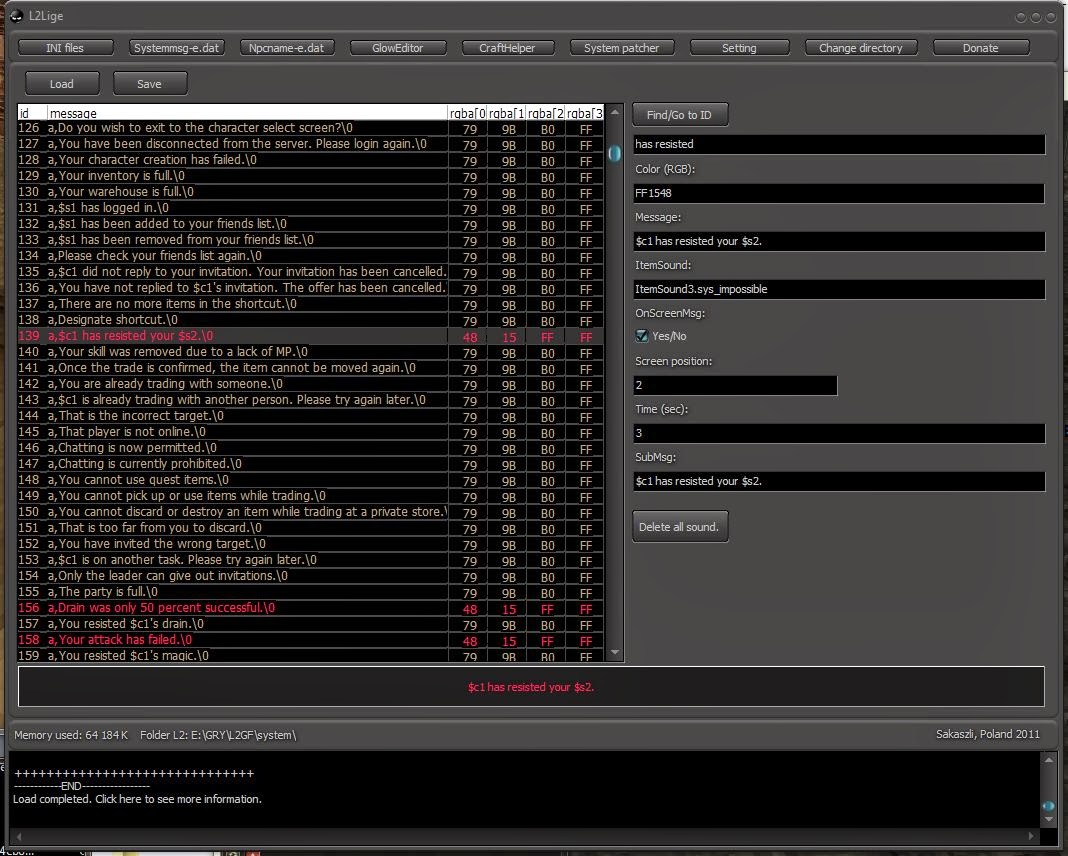
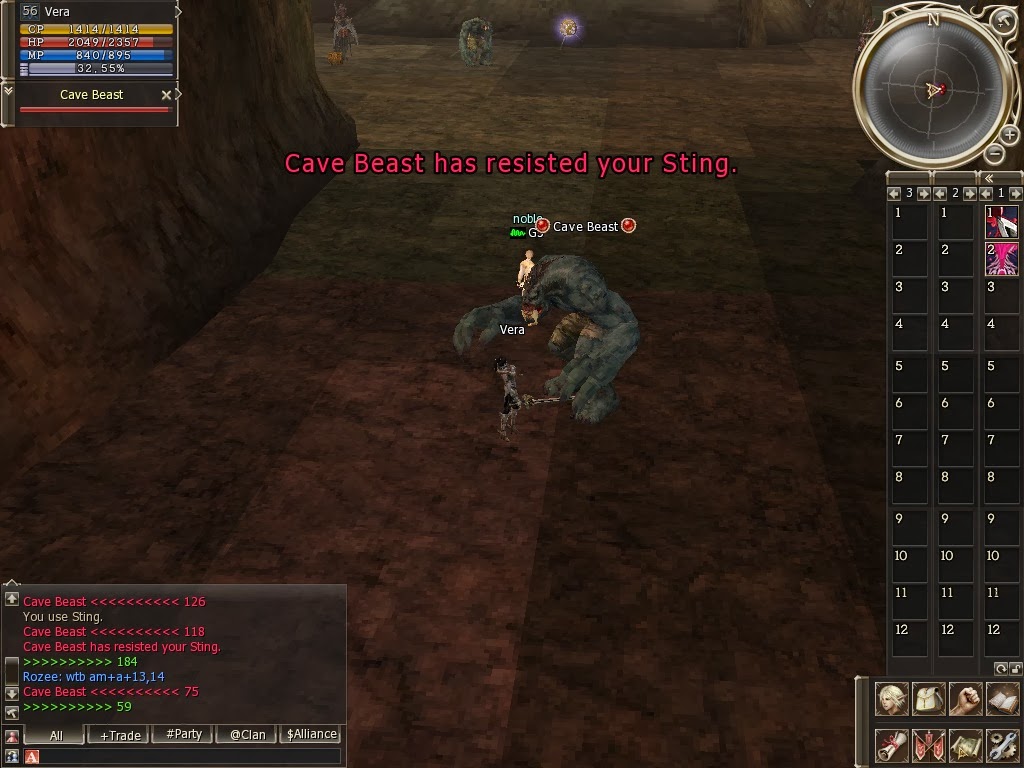
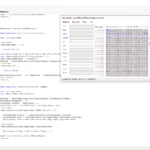
On-Screen Message Configuration Example
Credits
Developed by Lige Staff
What others are saying
There are no contributions yet.