
 RU
RU  EN
EN 

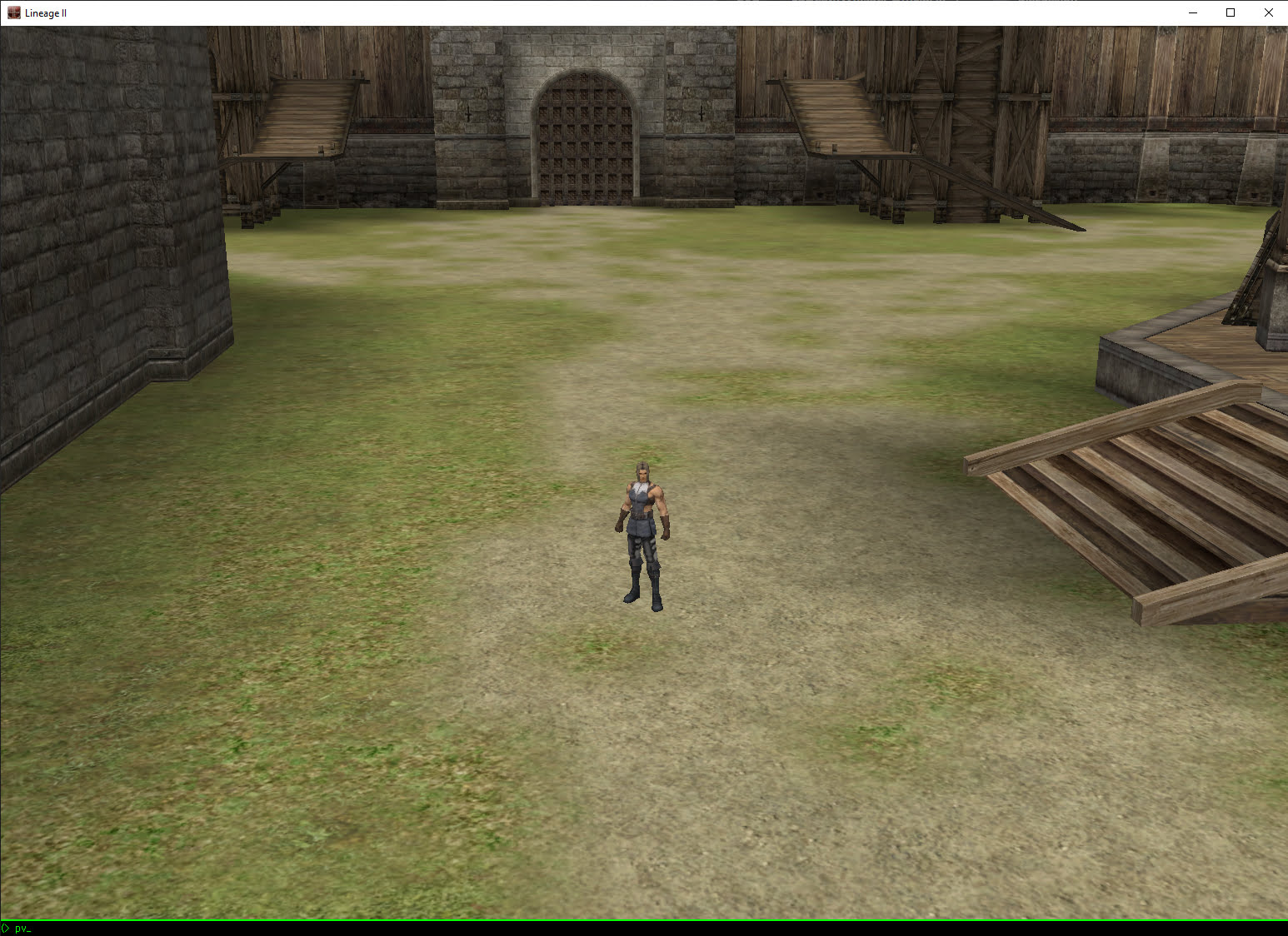

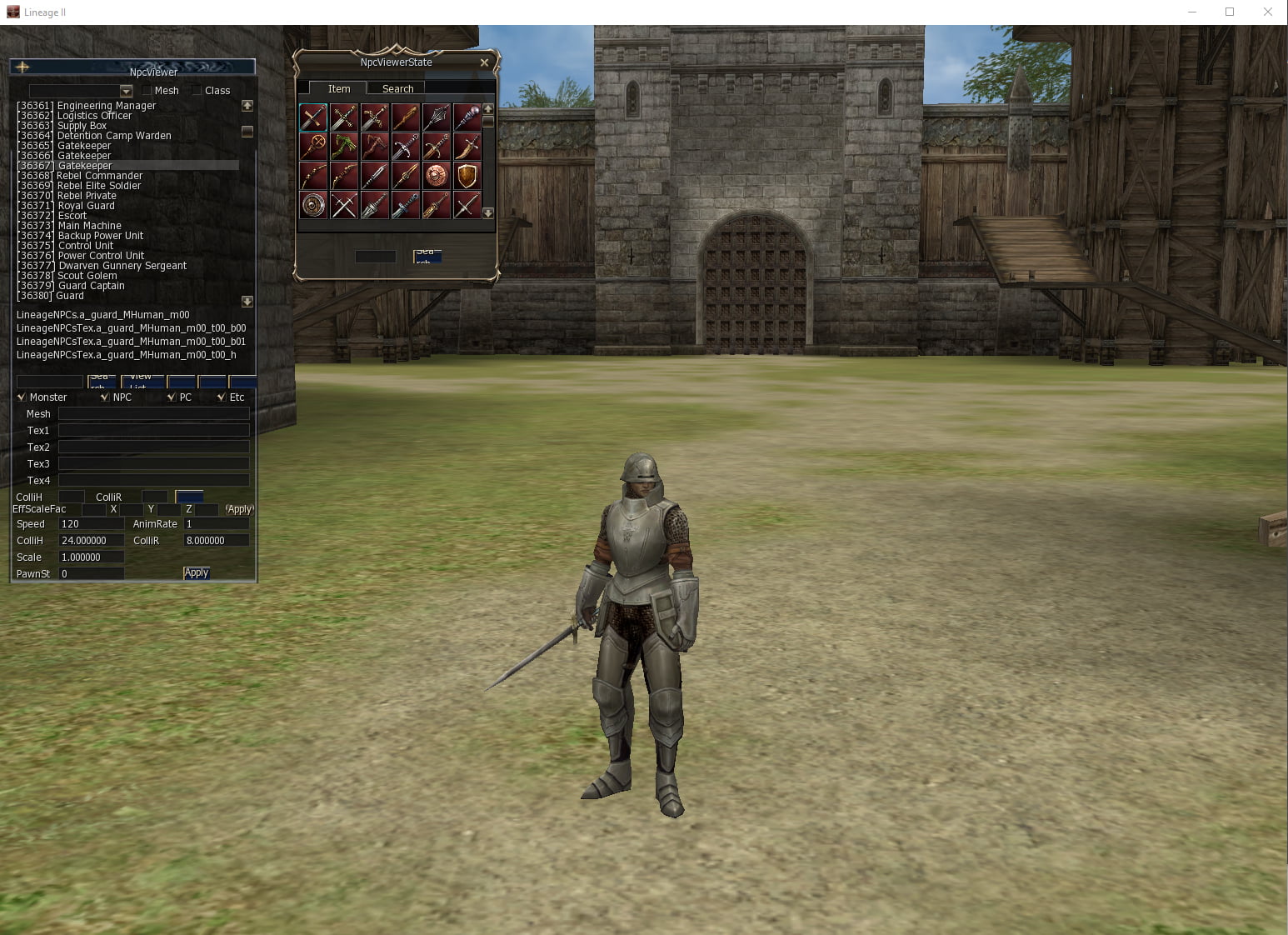

L2 PawnViewer – Lineage 2 Client Viewer & Developer Tool
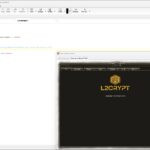
Looking for a way to test your Lineage 2 client without running a server? L2 PawnViewer is a powerful developer tool that allows you to launch the client in offline mode and preview game content instantly.
It is widely used by developers to test items, NPCs, mobs, skills, and other game elements without needing a live server connection.
The package also includes additional files required for newer Lineage 2 clients and chronicles.
Features
- Run the Lineage 2 client without a server connection
- Preview items, NPCs, mobs, and skills instantly
- Supports newer Lineage 2 clients and chronicles
- Includes developer tools and debug commands
How to Use
- Create a backup of your Lineage 2 system folder
- Extract L2-PawnViewer.zip into your system folder
- Edit the Tester! shortcut (Right click → Properties)
Change the Target path:
"D:\Games\Lineage II Gracia\System\l2.exe" -INI=testl2.ini
Replace the path with your own l2.exe location, but do not remove -INI=testl2.ini.
- Run the Tester! shortcut
- The client will launch in developer mode
Note: If you encounter graphical issues, use DevMod.bat instead of Tester!.
Automation
L2 PawnViewer is designed for manual testing and debugging of the client and does not include automation scripts.
Compatibility
Supports multiple Lineage 2 chronicles and includes additional files for newer client versions.
Why Use L2 PawnViewer?
L2 PawnViewer is an essential tool for Lineage 2 developers. It allows fast testing of game elements without the need to run a server.
This significantly speeds up development and debugging workflows.
How to Use on Newer Clients
- Follow the standard setup steps
- Open L2-Pawn-Viewer-New-Clients.zip
- Extract the correct NWindow file into your system folder
Commands
Press Tab and use the following commands:
PV - Pawn Viewer (test armors, weapons, etc.)
NV - NPC Viewer (transform into NPCs)
SV - Skill Viewer (test skills)

/// l2debugwindow
/// l2debug
/// geodata
/// buildzone map=[map_name]
/// showborderline
/// showsectors
/// camerawalking mode=on|off
/// c_rmode [1-7]
/// bighead size=[1-n]
/// open [map_name]
/// get [class_name] [attrib_name]
/// set [class_name] [attrib_name]
/// editdefault class=[class_name]
/// stat l2
/// stat fps
Sorcerer21 –
Works for Fafurion client! Thank you for this!
Это полезно (0) Это не полезно (0) Следить за обновлениями Перестать следить за обновлениями Отметка удалена