
 RU
 EN


L2Decryptor – Injector – Decrypt & Export Lineage II Client Files
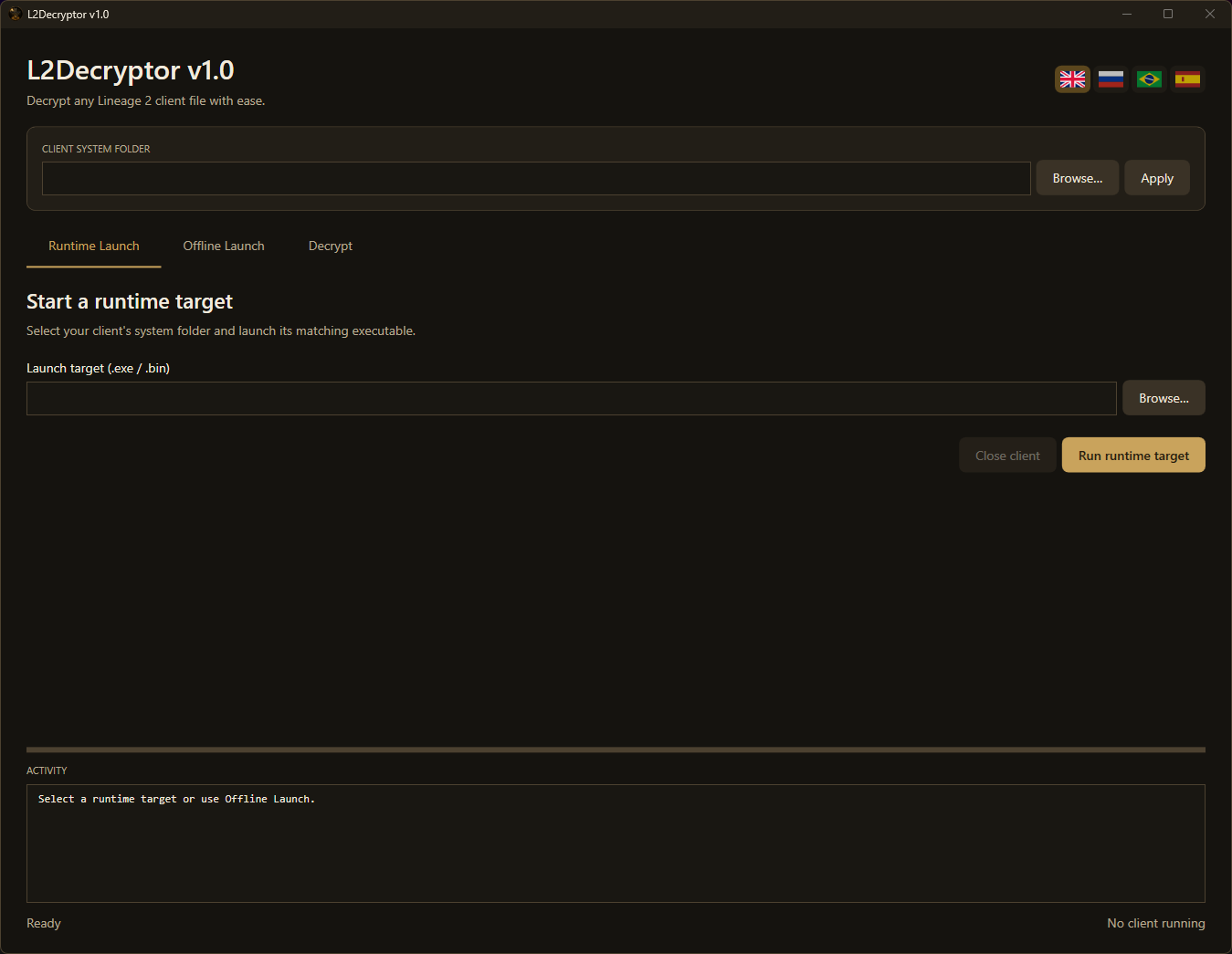
Decrypt, extract, and export your Lineage II client files with L2Decryptor. Built for developers, modders, and private server owners, its modern dark gold interface brings client launching, protection detection, and file exports into one workspace.
Use Runtime Launch with your compatible client or Offline Launch with the included client for supported Smart Crypt files. Find files quickly, identify their protection, and export decrypted data or readable DAT/INI text with fewer steps.
Features
- Runtime & Offline Launch: work through your compatible client or the included Smart Crypt extraction client.
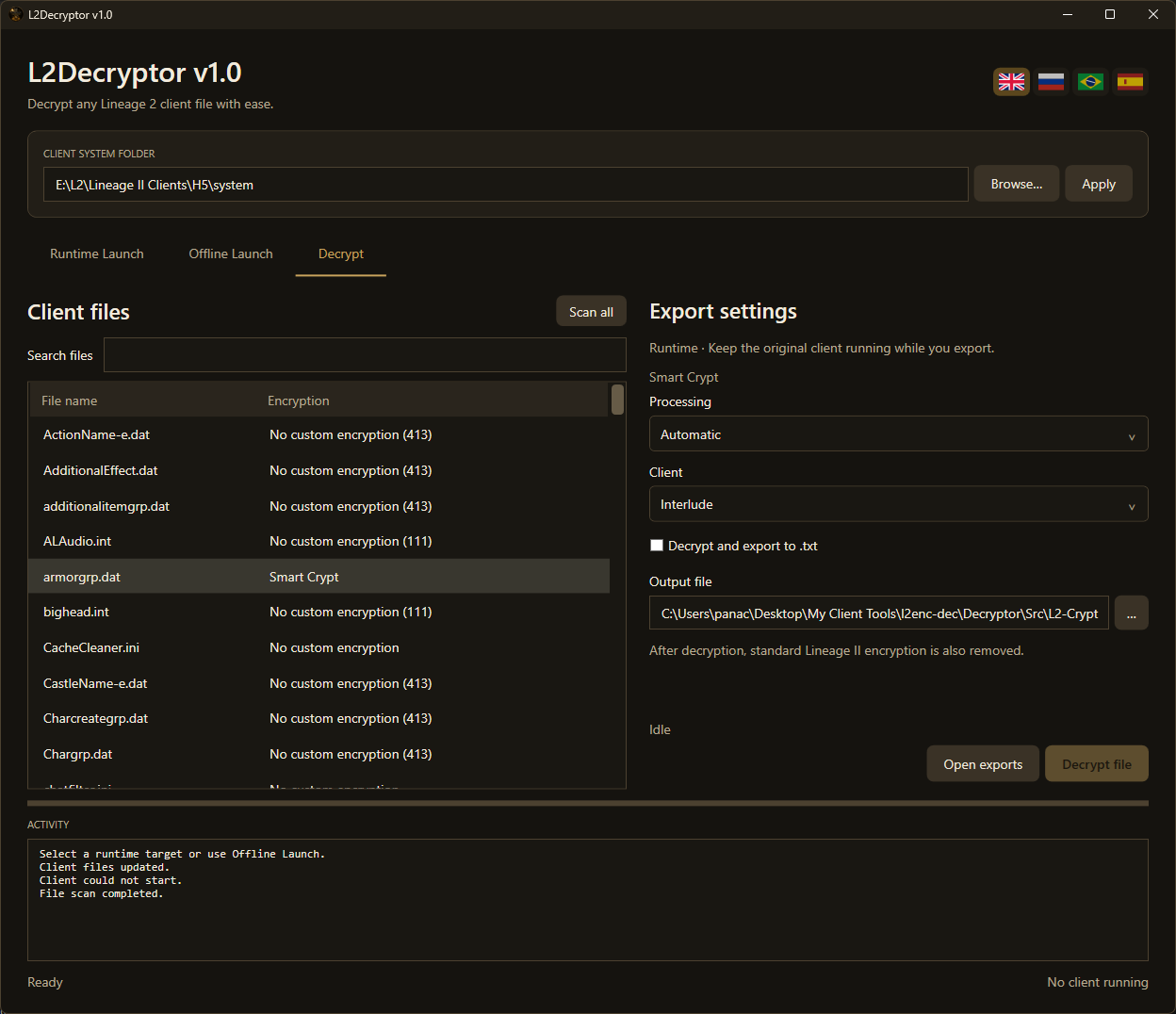
- Protection detection: identify recognized Smart Crypt, Active Anti Cheat (AAC), and standard Lineage II encryption. Unrecognized protection is marked Unknown.
- Scan all: display the detected encryption beside each file name.
- Search & subfolders: filter files by name, with subfolders included automatically.
- Automatic processing: use automatic selection or choose the Smart Crypt and AAC methods manually, with Interlude and Classic engine modes.
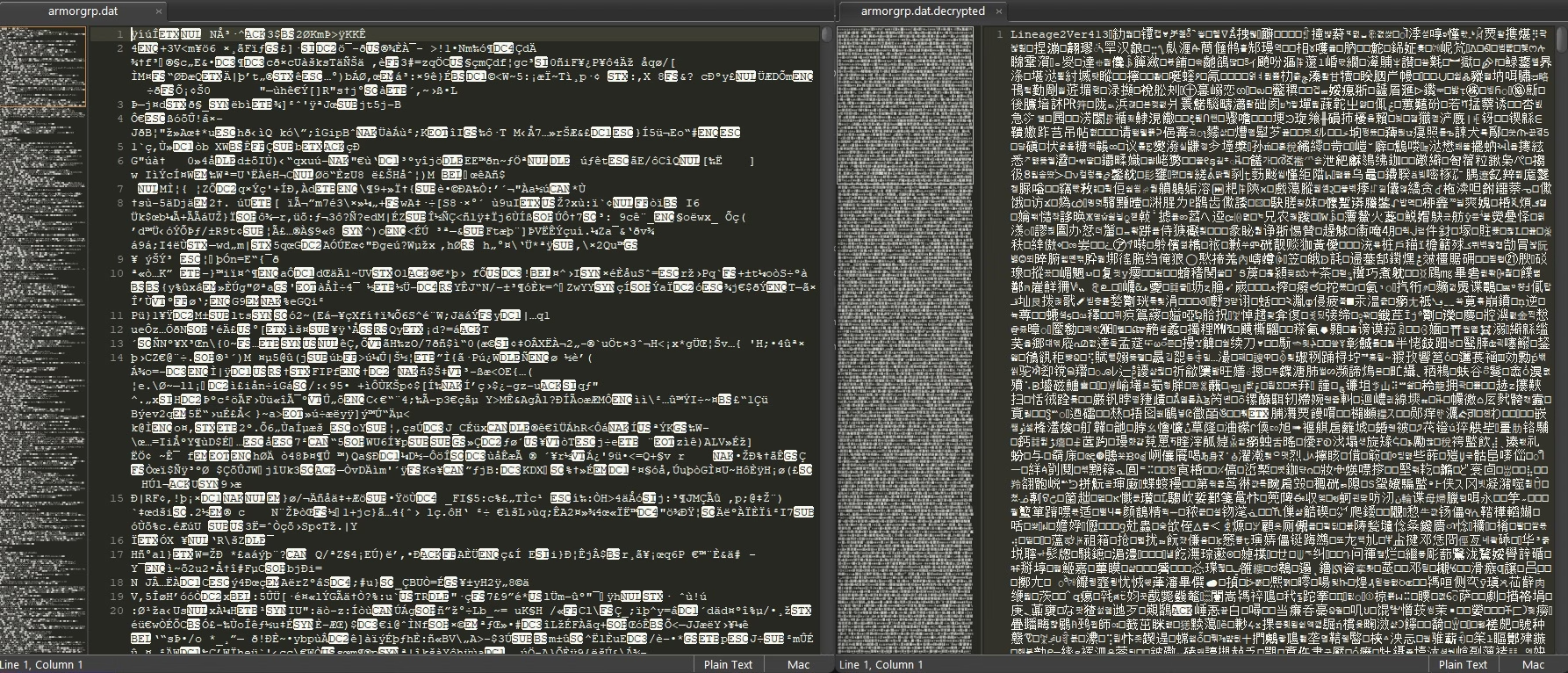
- Standard encryption removal: automatically decode supported Lineage II encryption, including 111/120/121 and 413, to produce plaintext after successful decryption.
- Decrypt and export to .txt: decrypt DAT or INI files and save their text output in the same operation, without reloading the result.
- Organized exports: save beside the application by default, separated by client and subfolder, or choose a custom output path.
- DAT validation: check DAT output against available file structures before publishing it.
- Original files preserved: export to separate files and retain previous results when validation fails.
- Convenient client control: launch the client minimized, return focus to L2Decryptor, and automatically close the session’s client and clean up tool files when exiting.
- Modern multilingual UI: dark gold styling with English, Russian, Brazilian Portuguese, and Spanish.
Advanced analysis and diagnostic tools are available in the separate Diagnostics build.
Supported File Types
dat, int, u, ini, xdat, utx, ukx, usx, unr, uax
These formats are available in the file browser. Successful extraction depends on the client, file format, and protection method. TXT export is available for DAT and INI files. DAT-to-text conversion requires a matching file structure.
How to Use
- Extract the complete ZIP and open L2Decryptor.exe. Complete browser account authorization if requested.
- For Runtime Launch, select your client’s system folder, click Apply, check the launch target, and click Run runtime target.
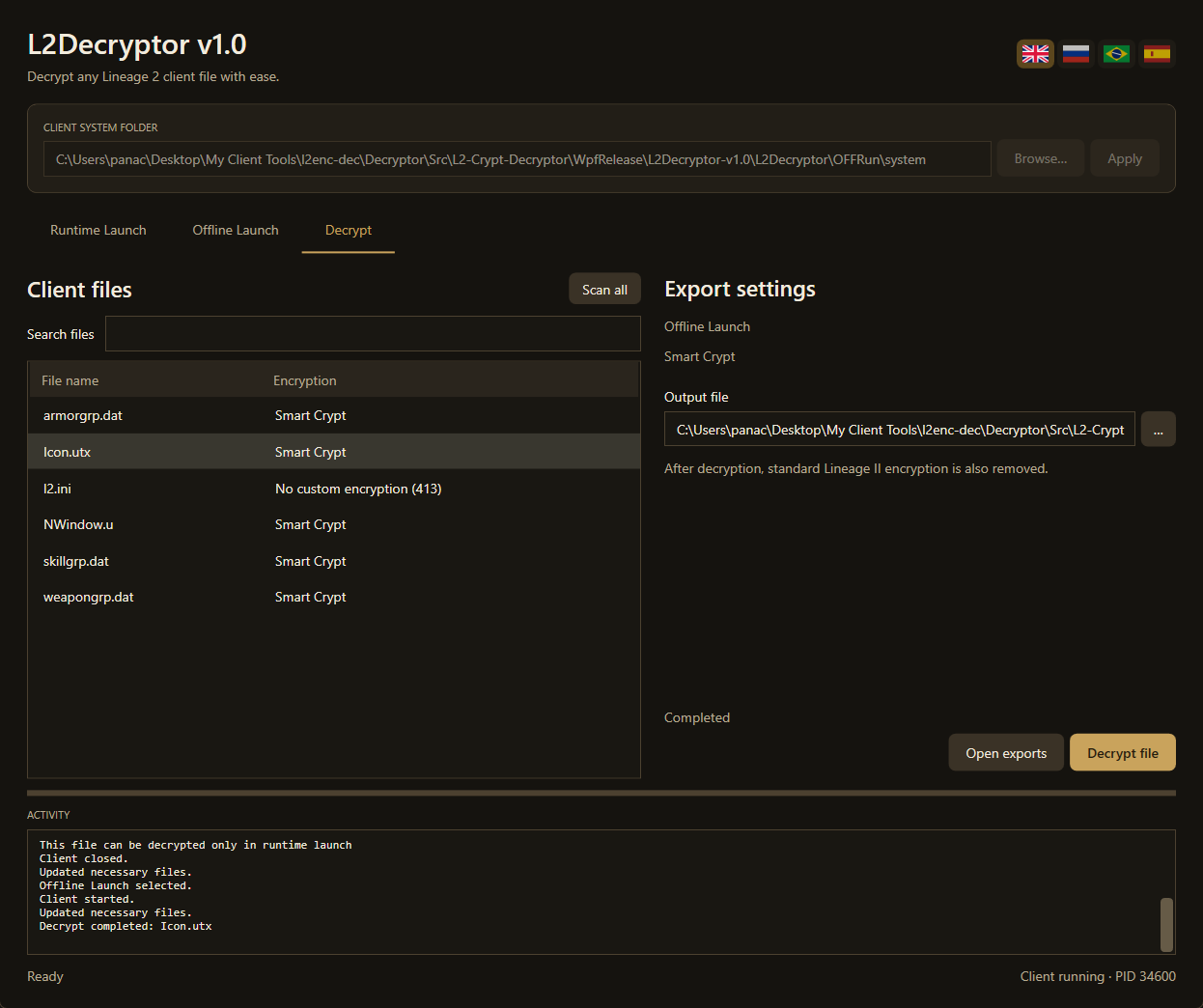
- For Offline Launch, place your files in OFFRun\system and click Offline Launch to start the included client.
- In the Decrypt tab, use Scan all or select a file to detect its protection. Use the search box to find files quickly.
- Check the output location and click Decrypt file. For DAT/INI files, optionally select Decrypt and export to .txt first.
- Use Open exports to access your results. Exit L2Decryptor when finished; its client closes and the tool’s copied runtime files are cleaned up automatically.
Extraction Methods
- Smart Crypt: extract supported files through a compatible running client or the bundled Offline Launch client.
- Active Anti Cheat (AAC): use Runtime Launch with the matching client for engine-assisted decoding. AAC files are highlighted in red with a runtime-only message.
- Standard Lineage II encryption: supported standard layers are removed automatically during decryption, including when found beneath a custom protection layer.
Detection identifies the visible protection layer. Files with additional AAC protection require their matching runtime client to complete decryption.
Compatibility & Requirements
- 64-bit Windows
- Compatible 32-bit Lineage II client for Runtime Launch; a client is included for Offline Launch
- Internet connection for license authorization in both launch modes
- .NET and Java runtimes included in the package
Compatibility varies between client builds and protection systems. Support for every chronicle or custom protection is not guaranteed.
License & Activation
Lifetime license for one WordPress account and one PC. Authorize your account through the browser when prompted. Online authorization is required at startup; an already authorized PC starts without an activation popup. Moving the license to another PC requires administrator approval.



Что говорят другие:
Отзывов пока нет.