
 Russian
  English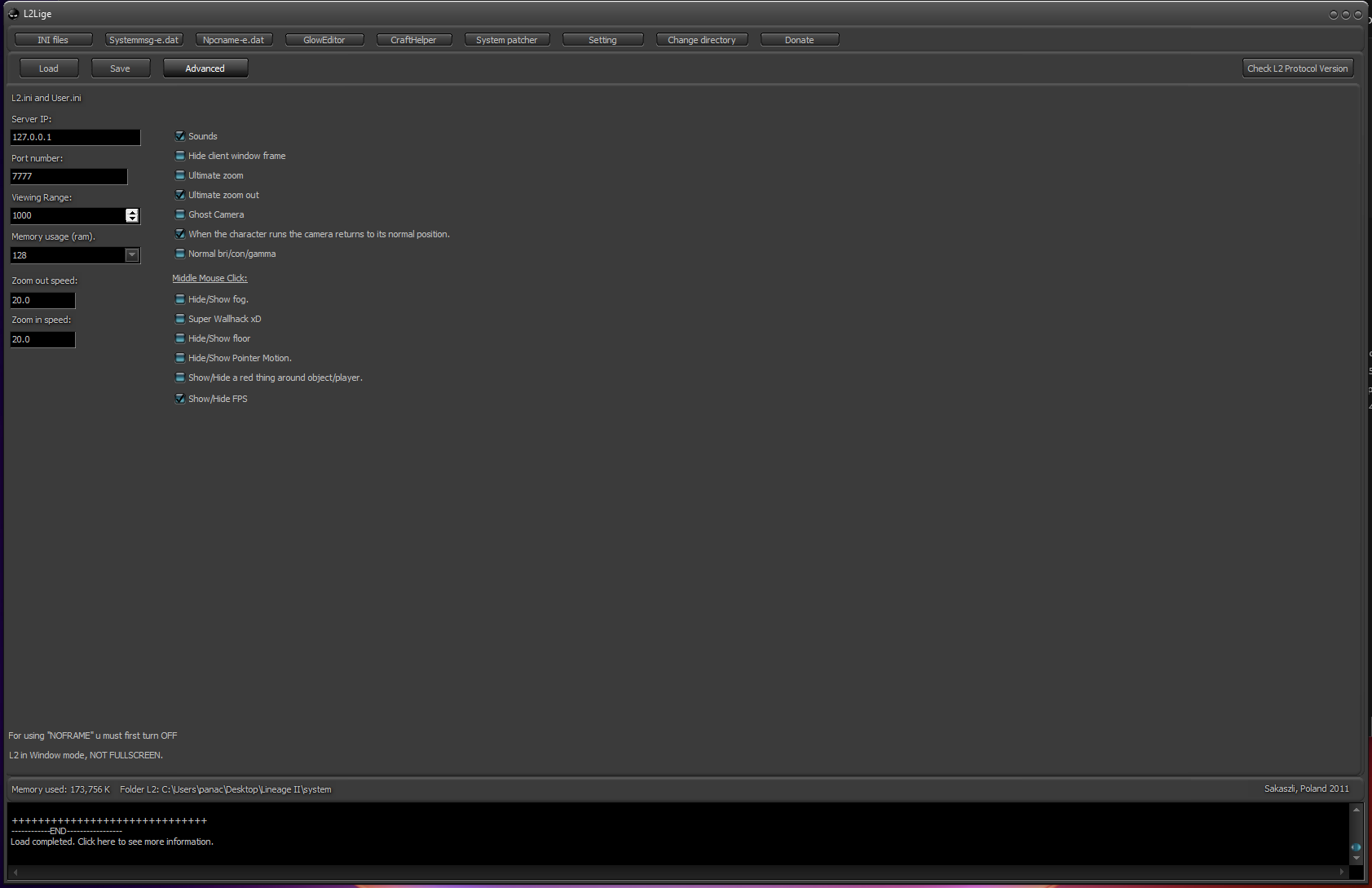
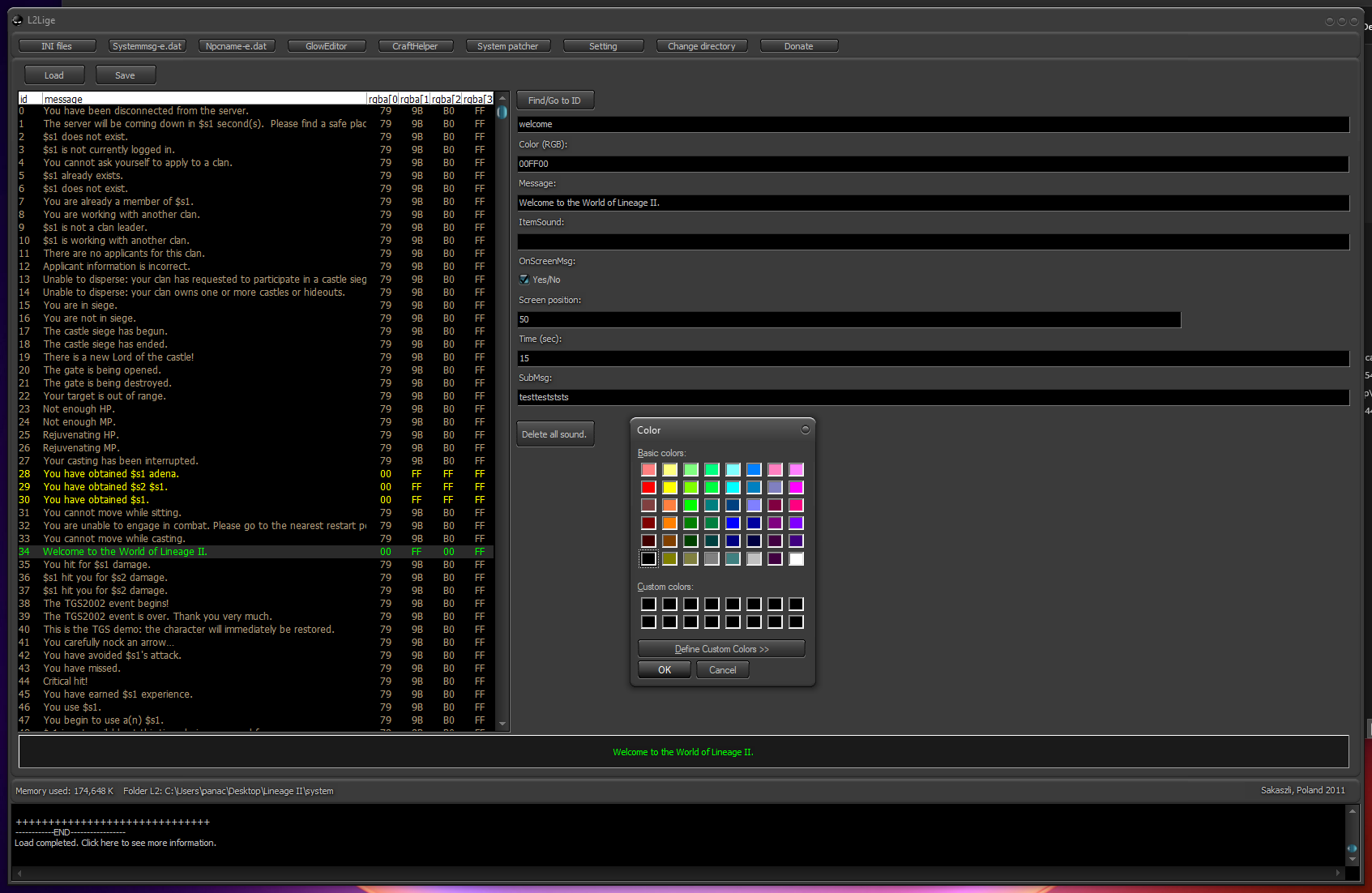
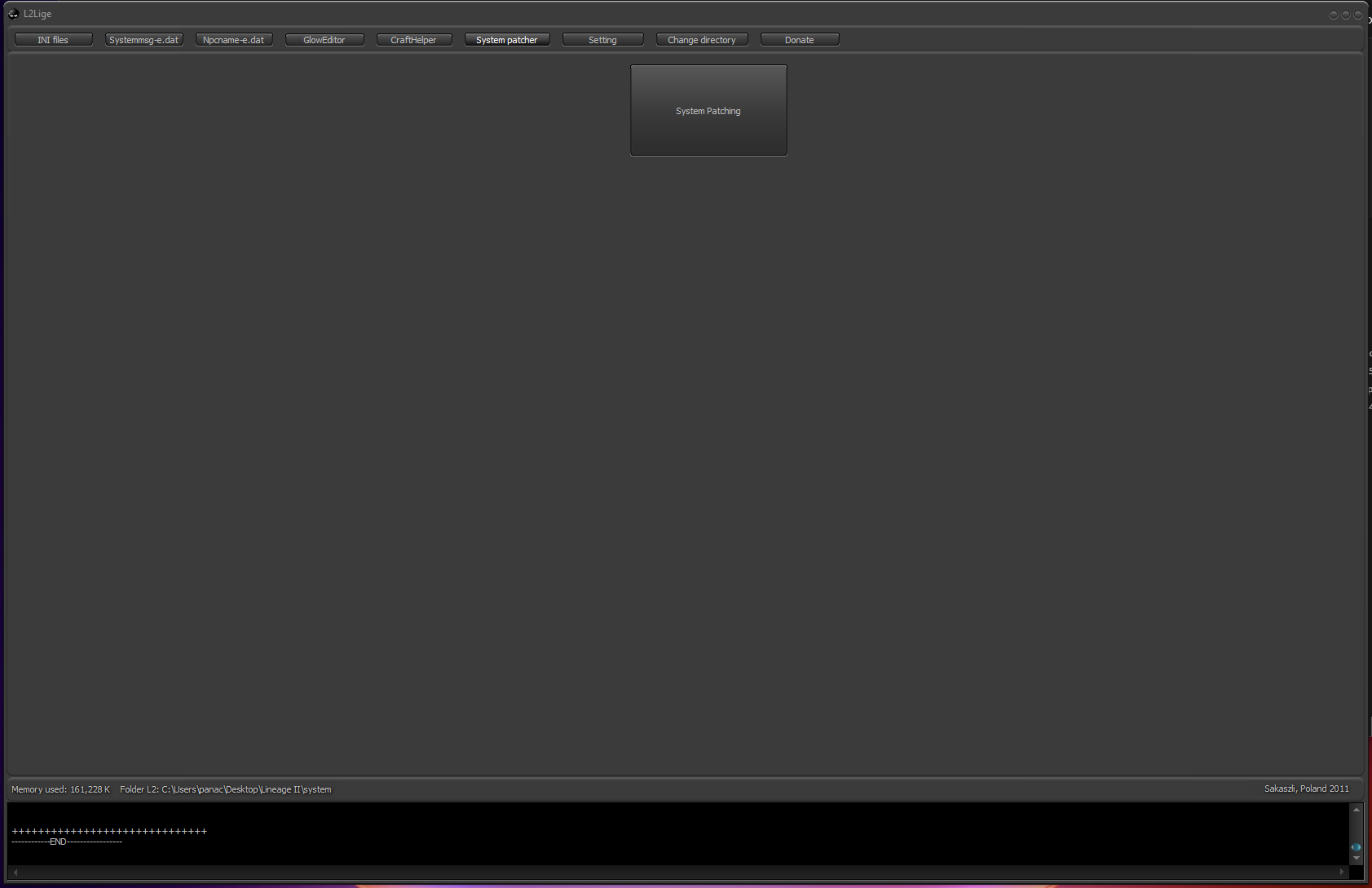
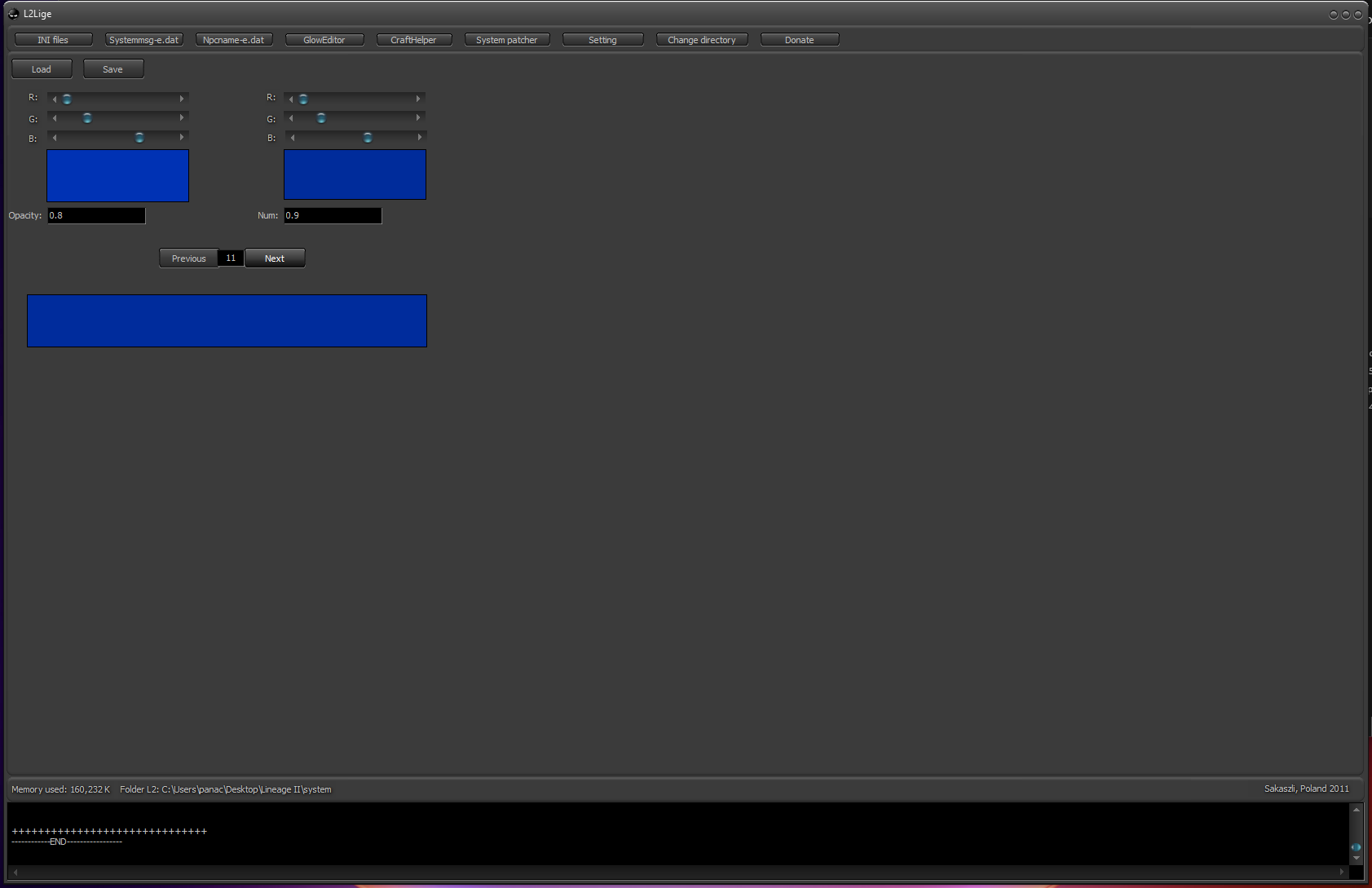
Описание
L2Lige – Patch Editor
L2Lige Patch Editor is a powerful tool for customizing and editing Lineage 2 client system files.
It allows you to easily colorize chat messages, highlight important text, add notification sounds and remove unwanted messages for a fully personalized in-game experience.
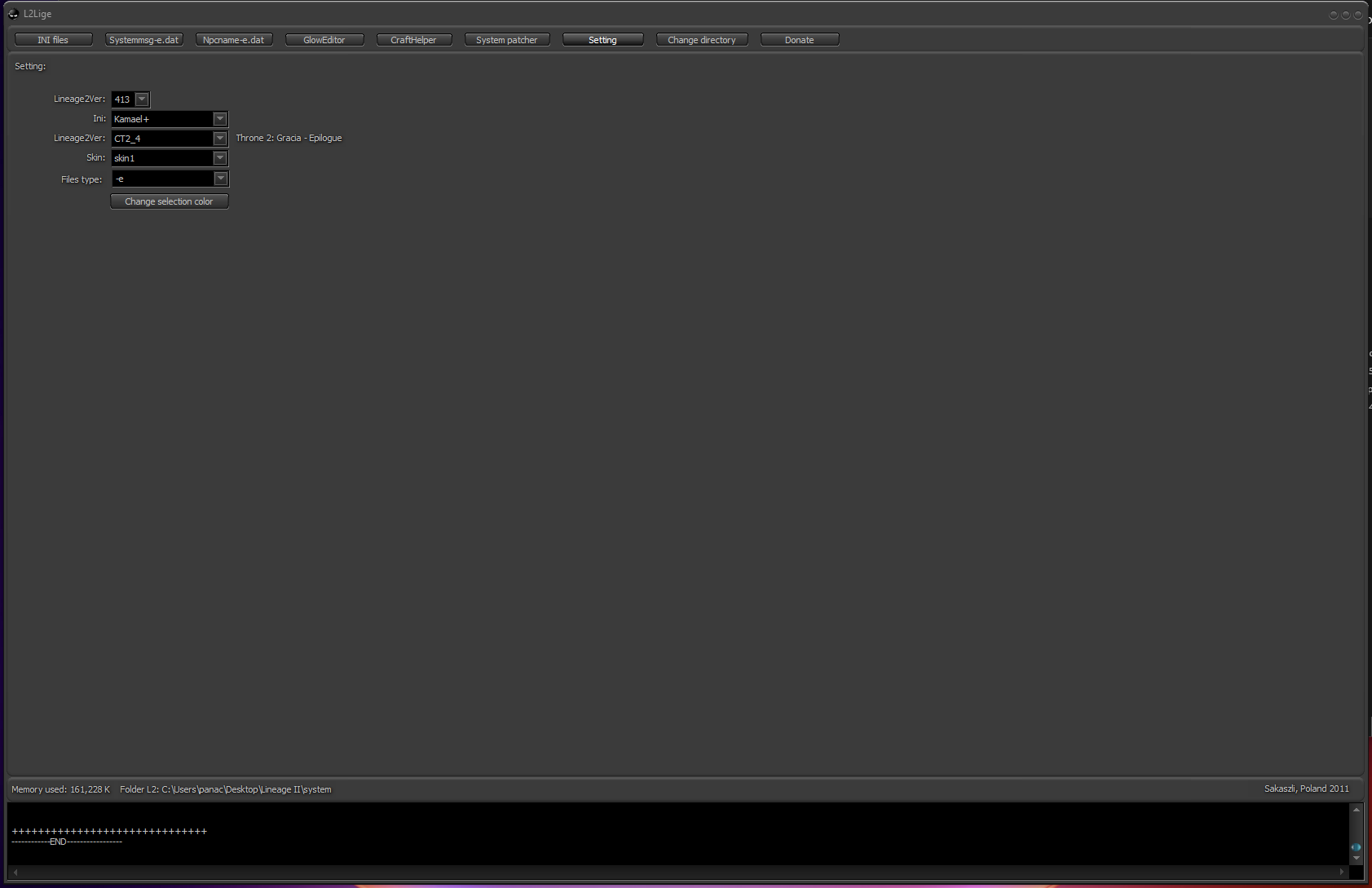
The tool supports a wide range of Lineage 2 chronicles from C3 up to High Five.
Features
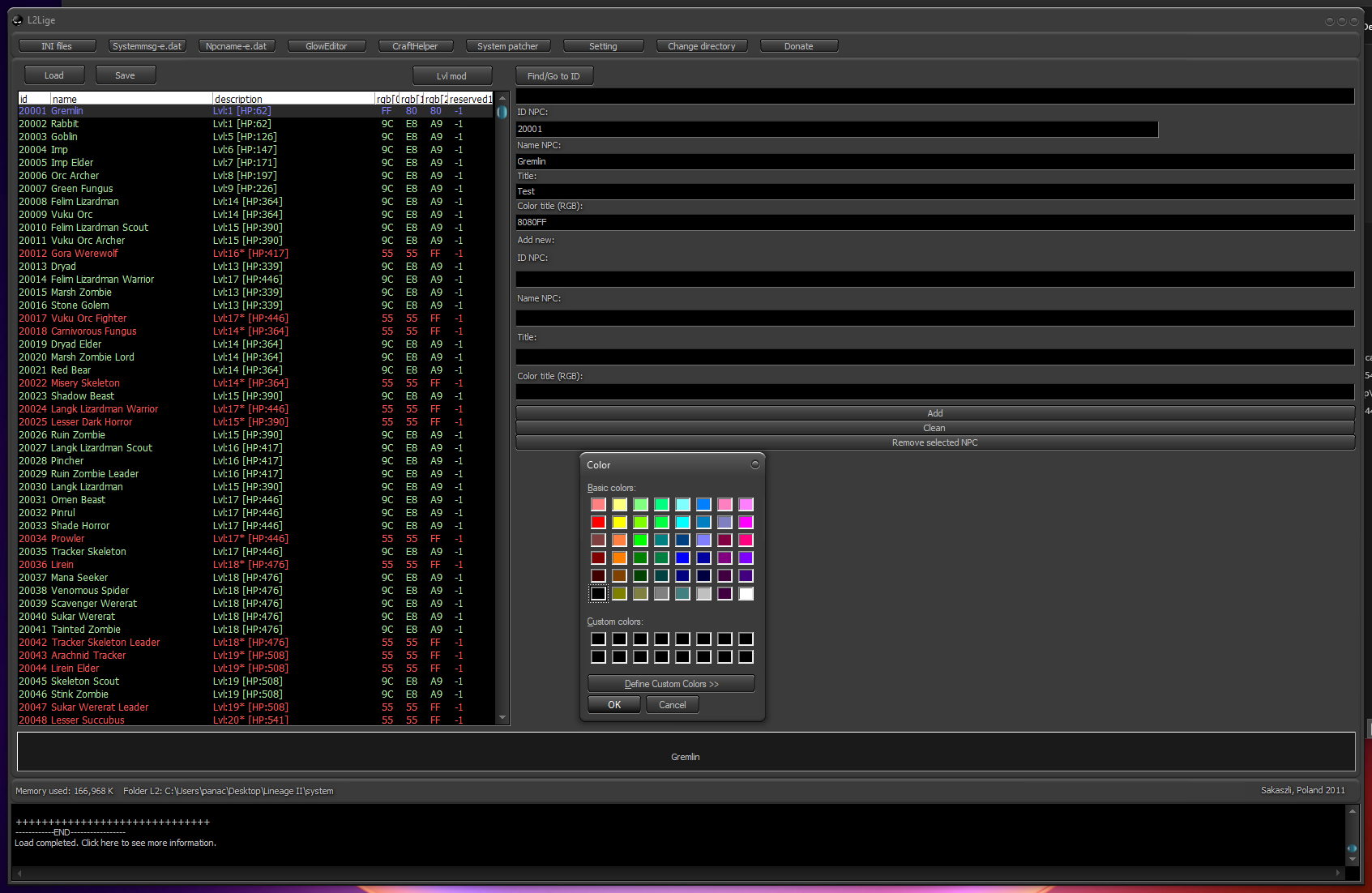
- Edit .ini, systemmsg and npcname files
- Customize chat colors and message highlighting
- Add or remove sound notifications for messages
- Modify weapon glow effects
- Patch unmodified (clean) Lineage 2 systems
- Supports Lineage 2 clients from C3 to High Five
How to use
- Extract L2Lige-Patch-Editor.zip
- Run L2Lige.exe
- Select your preferred language
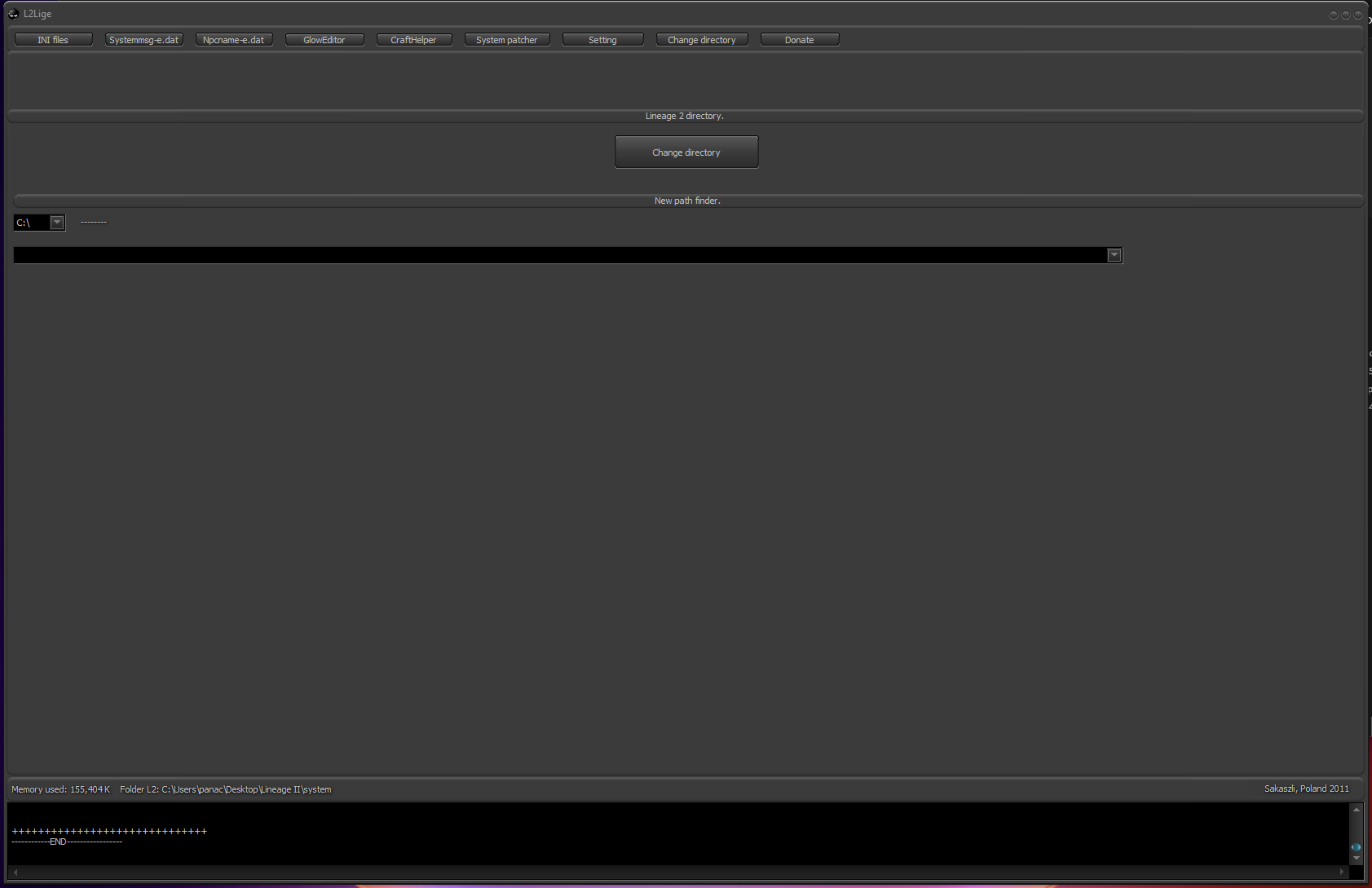
- Click Change directory and choose your Lineage II system folder
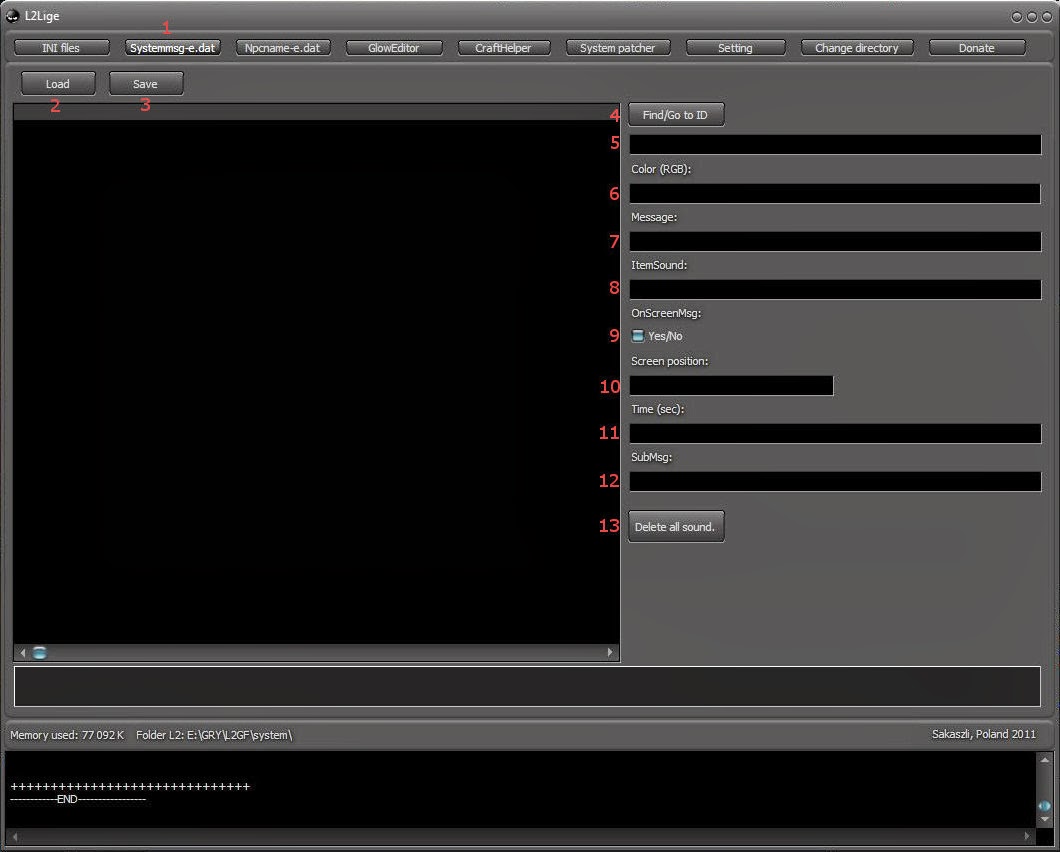
- Select the tab you want to work with
- Load the file from your system folder
- Save the modified file back to the system folder
- Search inside the loaded file
- Enter a phrase or ID to find specific entries
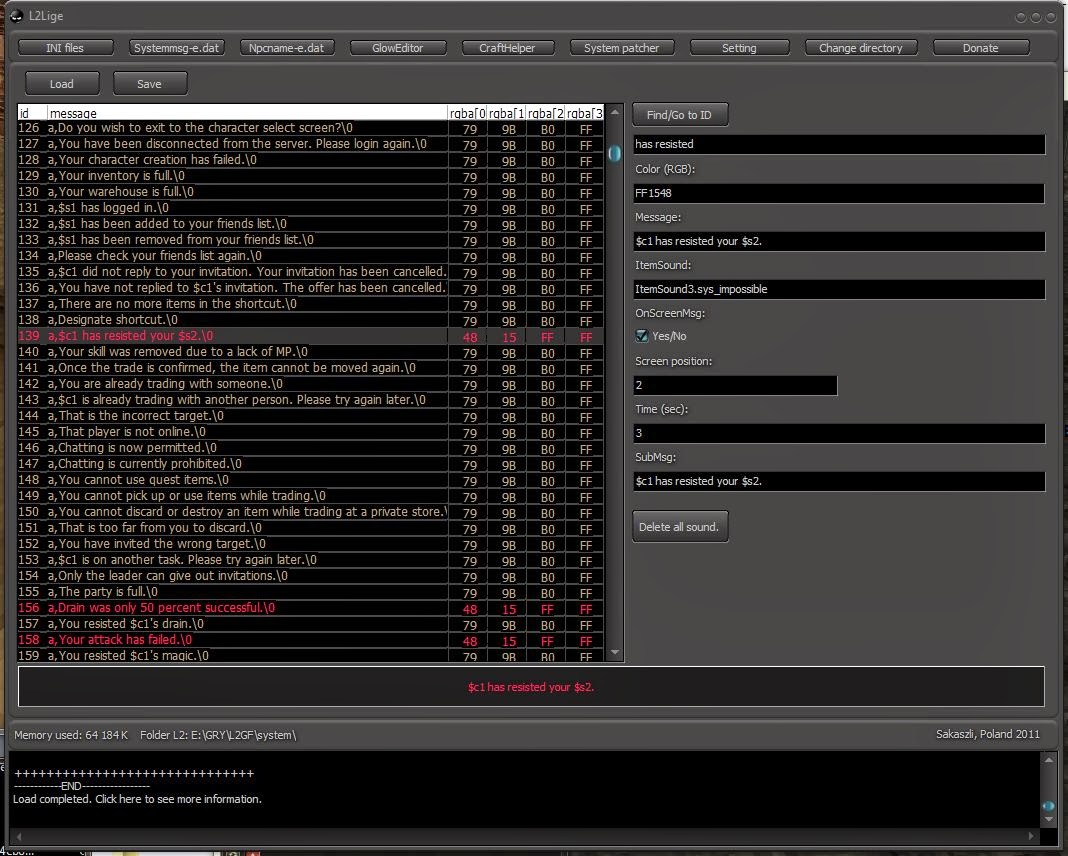
- Click the color field to open the color picker and choose a color
- Select the message you want to edit
- Set a sound name to play when the message appears
- Enable or disable the message display on screen
- Adjust the screen position of the message
- Set how long the message remains visible
- Customize different text for chat and on-screen display
- Remove all sounds assigned to the message
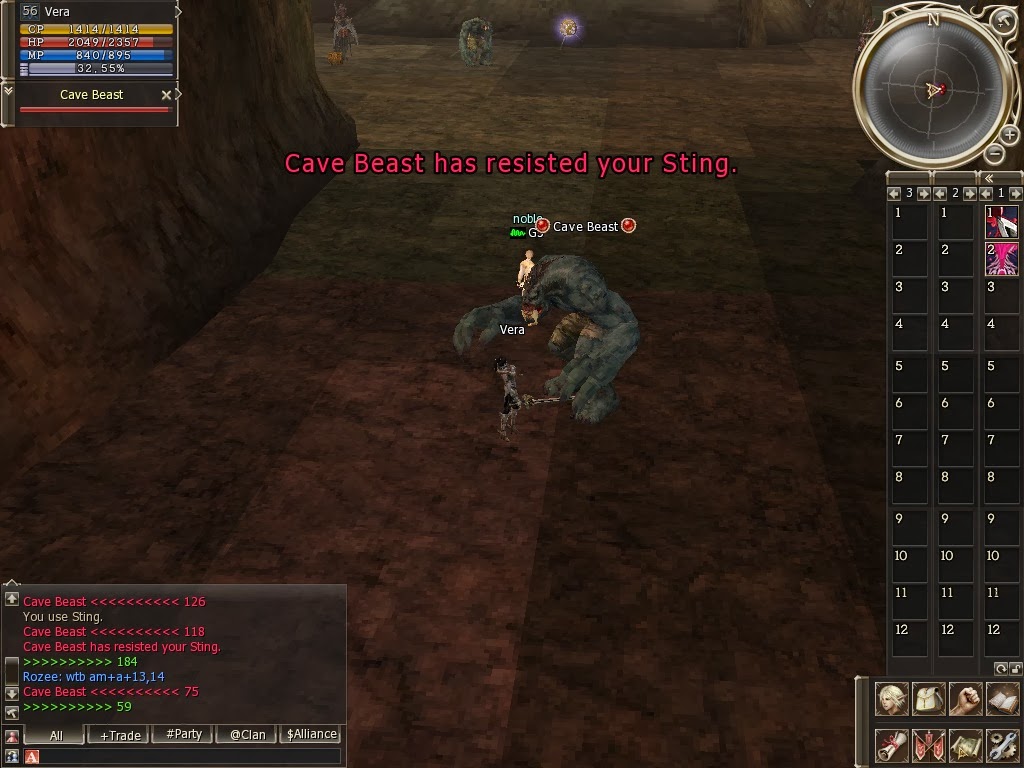
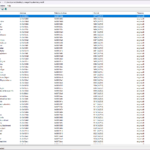
On-screen message configuration example:
Credits: L2Lige

Что говорят другие:
Отзывов пока нет.